A raster image that was part of a drawing set fails to display
The association between an AutoCAD DWG drawing file and it’s attached objects will be defeated if the attached object’s file name or file storage path has changed since the DWG drawing was created. Raster image file paths and file names are defined in a drawing once those objects have been attached to a drawing and the drawing is saved.
Here is an exercise that displays how an attachment failure looks and how it should be corrected. Assume that a drawing named Drawing1.dwg was saved with an image attachment named GTXlogo.tif. The image appeared in the display of Drawing1.dwg like this when the drawing was created and saved.
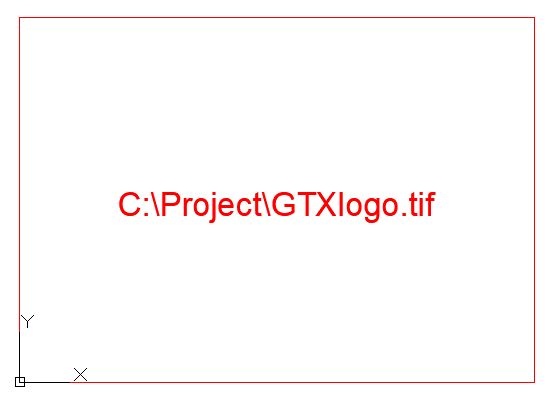
During the history of Drawing1.dwg someone had changed the name of it’s attached GTXlogo.tif file name to GTX_logo.tif. This defeats the association between Drawing1 and GTXlogo.tif. Opening Drawing1 will result in the following display that defines the size, position, file path and file name of the image that was defined when Drawing1 was created and saved.
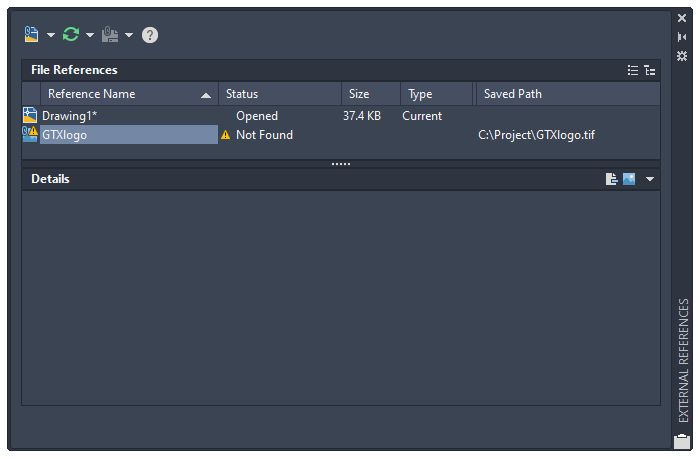
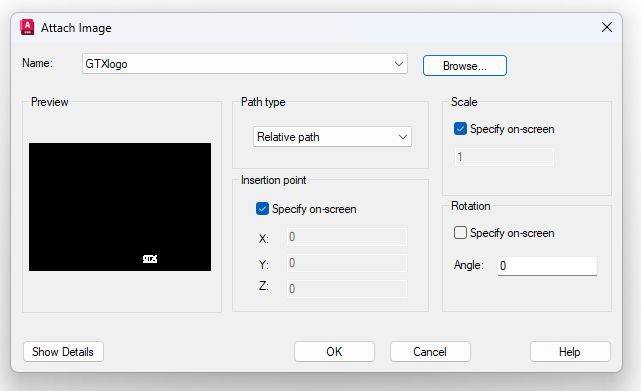
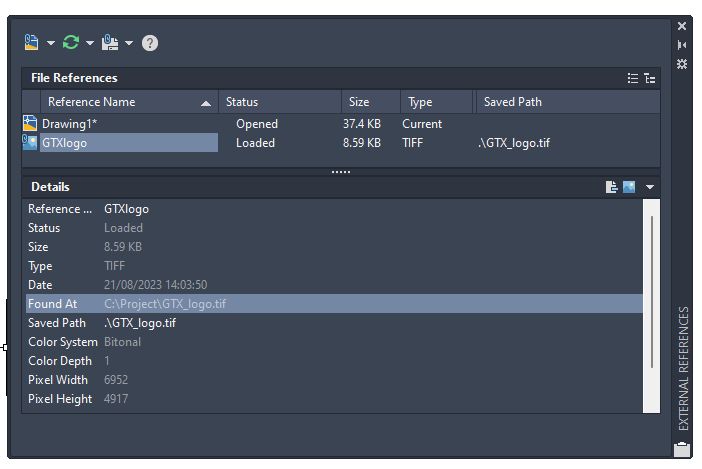
Use the AutoCAD Image Manager or External Reference Manager to correct the association between drawing and image files. The Image Manager is the standard interface for attaching, detaching, or redefining AutoCAD supported image files in AutoCAD 2024 and prior versions. The Image Manager is still accessible in the GTXImage CAD Series V11.5 and AutoCAD 2007 and later versions by use of the CLASSICIMAGE command on the program’s command line.
1. Highlight the image name, in this case GTXlogo
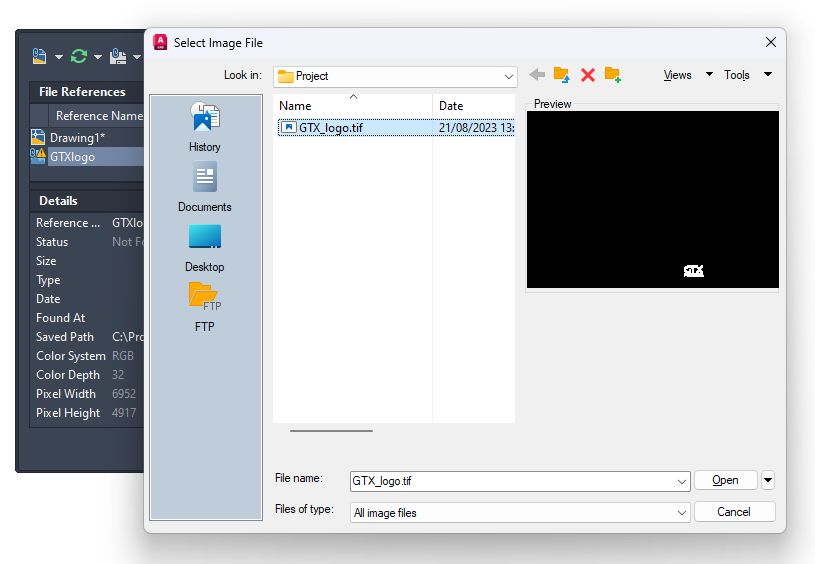
2. Right click and select “Attach” to Browse to find the image file that was renamed, in this case GTX_logo.tif.
3. Highlight the Reference Name, in this case GTXlogo.
4. Click on the dotted frame at the edge of the Found At bar to initiate a Browse window titled Select Image File.
5. Find the image file that was renamed, in this case GTX_logo.tif, select the Open button.
6. Close the External References manager then SAVE THE DRAWING.